
Download Megacubo – Free Video Capture & TV Tuner Software for Windows
Overview: A Reliable Free Video Tool for Windows Users
Megacubo is a lightweight, free video software designed specifically for Windows users who need a simple yet effective solution for capturing live TV and recording video content. Originally released in 2011, Megacubo has maintained a steady presence in the video software category, particularly among users with older Windows systems such as Windows XP and earlier. Despite its age, the software remains functional and continues to serve users in countries like Brazil, India, and the United States, where demand for accessible video capture tools is high.
One of the standout features of Megacubo is its minimal system requirements. Unlike modern video software that demands powerful hardware and up-to-date operating systems, Megacubo runs smoothly on legacy systems, making it an excellent choice for users who still rely on older PCs. The program supports multiple languages, including English, Spanish, and Italian, broadening its accessibility across international markets. With a file size significantly smaller than the average video software, Megacubo ensures fast downloads and minimal storage usage.
Although the last update was in 2013, the core functionality remains intact—video capture, TV tuner integration, and basic editing tools. For users seeking a no-frills, dependable tool without the need for constant updates or complex configurations, Megacubo offers a surprisingly stable experience. Its long-standing presence in the software community speaks to its reliability and user trust. Whether you're recording analog TV signals, capturing screen activity, or archiving old video content, Megacubo delivers consistent performance with a simple interface that’s easy to navigate.
Key Features and Functionalities You Can’t Miss
Despite its age, Megacubo packs a range of useful features that make it a solid choice for basic video capture and TV tuning tasks. The software supports real-time video capture from various sources, including TV tuners, webcams, and video input devices. This versatility allows users to record live broadcasts, digitize VHS tapes, or capture content from external cameras—all without the need for expensive professional gear.
One of the most valuable features is its built-in support for analog TV tuners. This makes Megacubo ideal for users in regions where analog broadcasting is still in use or for those who want to archive old TV content. The software can tune into broadcast signals, display live video, and record directly to your hard drive in common formats like AVI and WMV. Additionally, it includes basic video editing tools such as trimming, splitting, and adding simple effects, enabling users to refine their recordings before sharing or archiving.
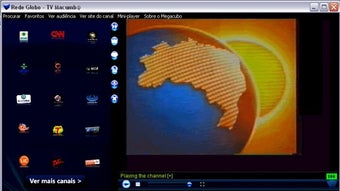
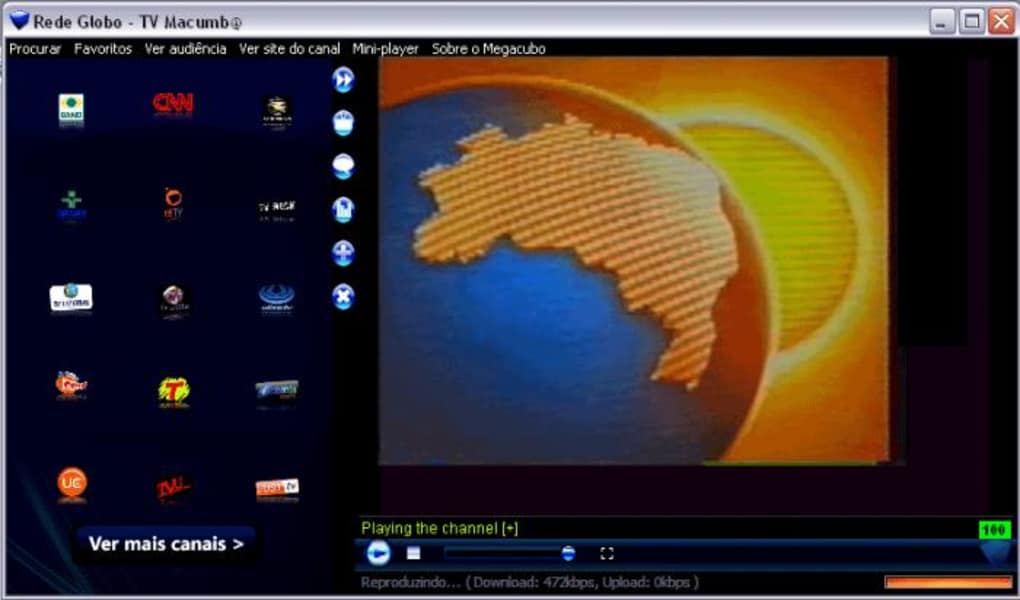
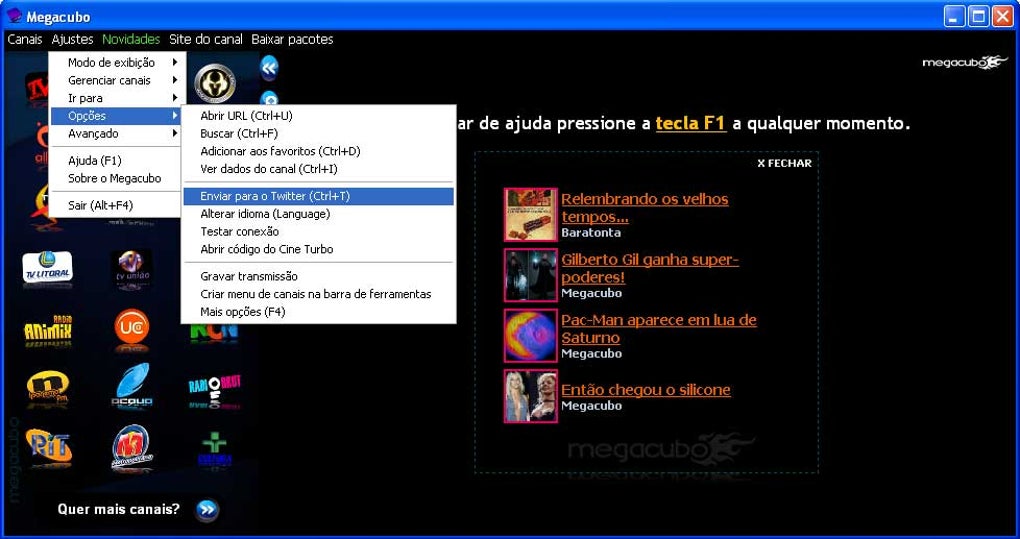
Megacubo also offers a user-friendly interface with intuitive controls, making it accessible even for beginners. The layout is clean and uncluttered, with clearly labeled buttons for start/stop recording, preview window, and settings. It supports multiple language options, ensuring that non-English speakers can use the software comfortably. For users on older systems, the software’s low resource consumption means it won’t slow down your PC during recording sessions. Overall, Megacubo provides a complete yet lightweight solution for users who need dependable video capture without the complexity of modern software.
Installation, Usage, and Compatibility Guide
Installing Megacubo is a straightforward process, especially for users familiar with older Windows systems. Since the software is designed for Windows XP and earlier versions, it’s important to ensure your system meets the minimum requirements before downloading. The installation file is small, typically under 10 MB, which ensures a quick download and minimal disk space usage—perfect for older PCs with limited storage.
To get started, simply download the installer from a trusted source, run the file, and follow the on-screen instructions. No advanced configuration is needed during setup. Once installed, launch Megacubo and connect your video source—whether it’s a TV tuner card, webcam, or external video device. The software will automatically detect the input and display the live feed in the preview window.
For recording, click the “Record” button, set your desired output format and location, and start capturing. You can pause or stop the recording at any time. The software also allows you to schedule recordings, which is useful for capturing live broadcasts without being present. After recording, you can use the built-in editor to trim clips, adjust volume, or add basic transitions. To export your video, simply choose the desired format and save it to your preferred folder.
Compatibility is one of Megacubo’s strengths. It runs seamlessly on Windows XP, Windows 2000, and even older versions like Windows 98. However, it is not compatible with Windows 7, 8, or 10 due to architectural changes in newer operating systems. If you’re using a modern PC, consider running Megacubo in a virtual machine with an older Windows OS or using a dedicated older machine for video capture tasks.
Pros and Cons: Is Megacubo Right for You?
- Pros:
- Free to download and use with no hidden costs
- Lightweight and low system resource usage
- Supports analog TV tuners and video input devices
- Available in multiple languages (English, Spanish, Italian)
- Simple, intuitive interface suitable for beginners
- Stable performance on older Windows systems
- Cons:
- Not compatible with Windows 7, 8, or 10
- Last update was in 2013—no recent improvements or bug fixes
- Limited video editing features compared to modern tools
- No support for HD or digital TV signals
- Outdated design with no modern UI enhancements
Frequently Asked Questions (FAQ)
Is Megacubo safe to download and use?
Yes, Megacubo is considered safe to download and use, especially when obtained from reputable software repositories. The software has been in circulation since 2011 and has not been associated with malware or viruses. However, always scan downloaded files with up-to-date antivirus software to ensure security.
Can I use Megacubo on Windows 10?
Megacubo is not officially compatible with Windows 10. It was designed for Windows XP and earlier versions. However, you may be able to run it using compatibility mode or in a virtual machine with an older OS.
What video formats does Megacubo support?
Megacubo supports common formats such as AVI and WMV for recording and playback. These formats are widely compatible with most media players and editing software.
Does Megacubo support digital TV signals?
No, Megacubo is designed for analog TV signals and does not support digital TV broadcasts or HD content. It’s best suited for older analog tuners and legacy video sources.
Can I edit videos after recording with Megacubo?
Yes, Megacubo includes basic video editing tools such as trimming, splitting, and adjusting volume. While not as advanced as modern editing suites, these features are sufficient for simple post-production tasks.
Final Verdict: A Niche but Valuable Tool for Legacy Systems
Megacubo may not be the most modern video capture software on the market, but it remains a valuable tool for users with older Windows systems or specific analog video needs. Its lightweight design, low resource usage, and support for TV tuners make it a reliable choice for archiving old content, recording live broadcasts, or digitizing VHS tapes. While it lacks support for newer operating systems and advanced features, its simplicity and stability are its greatest strengths.
If you’re running Windows XP or an older version and need a free, secure, and easy-to-use video capture tool, Megacubo is definitely worth trying. Download it today and experience a no-frills solution that gets the job done without the hassle.
Download Megacubo now and start capturing your favorite moments with confidence.







